
Blooket Code
If your teacher said “enter the Blooket code on your screen,” you may be wondering where to type it. A Blooket code is the short number that lets you join a live game in seconds, with no long setup. Students use it to jump into a quiz, and teachers use it to start a game for the whole class.
This guide explains what a Blooket code is, how to use it, where to get one, and how to fix problems when it does not work.
What Is a Blooket Code?
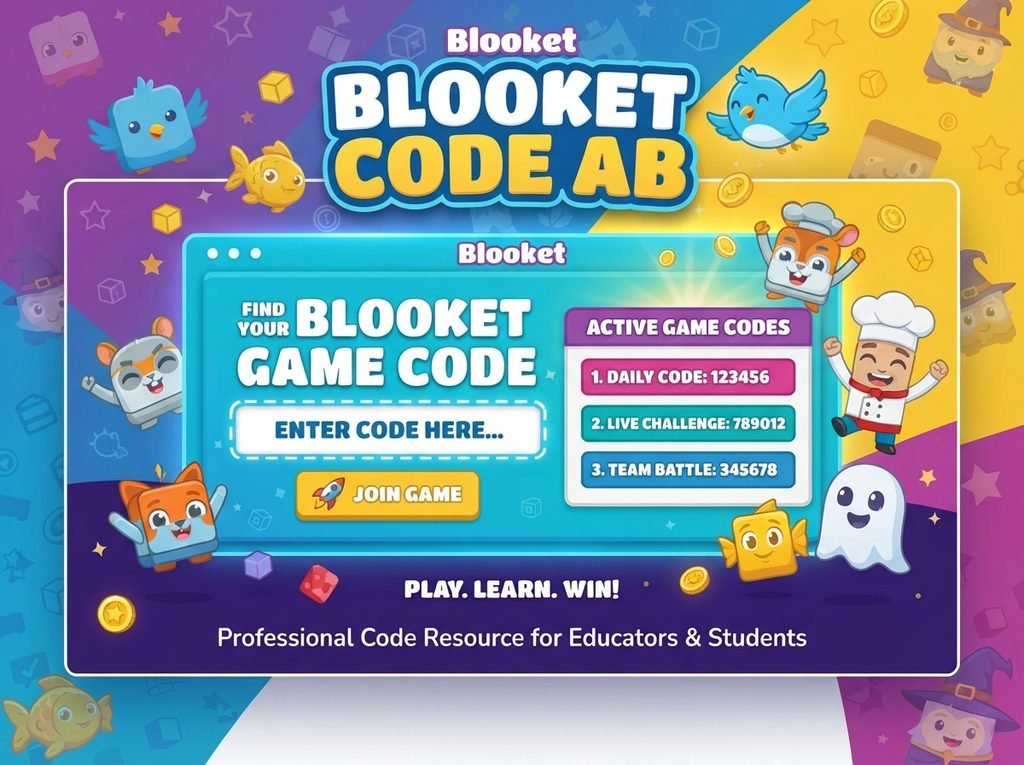
A Blooket code is a temporary game code created when a host starts a live game. It is also called a Blooket join code or Blooket game code. Anyone who enters it on the join page lands in that exact game.
Each code belongs to one game session. When the host ends the game, the code stops working. That is why a code you saved last week will probably show an error today.
A Blooket code is not a password or a cheat. It is simply the door into a game that someone else is hosting.
How to Join a Game With a Blooket Code
Joining takes under a minute. Follow these steps:
- Open the Blooket join page in your browser, or use the Blooket app on your phone or tablet.
- Type the Blooket code shown by your teacher or host into the game code box.
- Click or tap Join.
- Enter a nickname. Many teachers ask for your real first name, so check before you choose.
- Wait in the lobby until the host starts the game.
You do not always need an account to join with a Blooket code. An account is needed only if you want to save progress, build your own sets or host games.
Can You Join From a Phone?
Yes. The game works in a mobile browser and in the app. A stable internet connection matters more than the device, because a weak connection can drop you from the game.
How Does a Teacher Get a Blooket Code?
Teachers create the code by hosting a game. The general process looks like this:
- Sign in to a Blooket account.
- Pick a question set. You can build your own or choose a public one.
- Select Host and choose a game mode.
- Pick your settings, such as time limit or game length.
- Start the lobby. A Blooket code appears on the screen.
- Share the code with the class by projector, screen share or chat.
The code is created fresh each time you host. You can read more about how Blooket works on its official site, which is the best place to check current features and plans.
Tips for Sharing the Code Safely
- Share the Blooket code only with your class, not in public chats.
- Turn on any available settings that stop unwanted players from joining.
- Close the lobby once everyone is in.
- Remove players with inappropriate nicknames right away.
Popular Blooket Game Modes You Can Join
When you enter a Blooket code, the host has already chosen the mode. Here are some well-known ones:
| Game Mode | What Happens |
|---|---|
| Gold Quest | Answer questions to win gold, and steal from or swap with others |
| Tower Defense | Answer correctly to build towers and stop waves of enemies |
| Cafe | Serve customers by answering questions and upgrade your cafe |
| Racing | Race to the finish by answering as fast as you can |
| Crazy Kingdom | Build and manage a kingdom with correct answers |
Available modes change over time, and some may be limited to certain plans. Ask your host which one you will be playing.
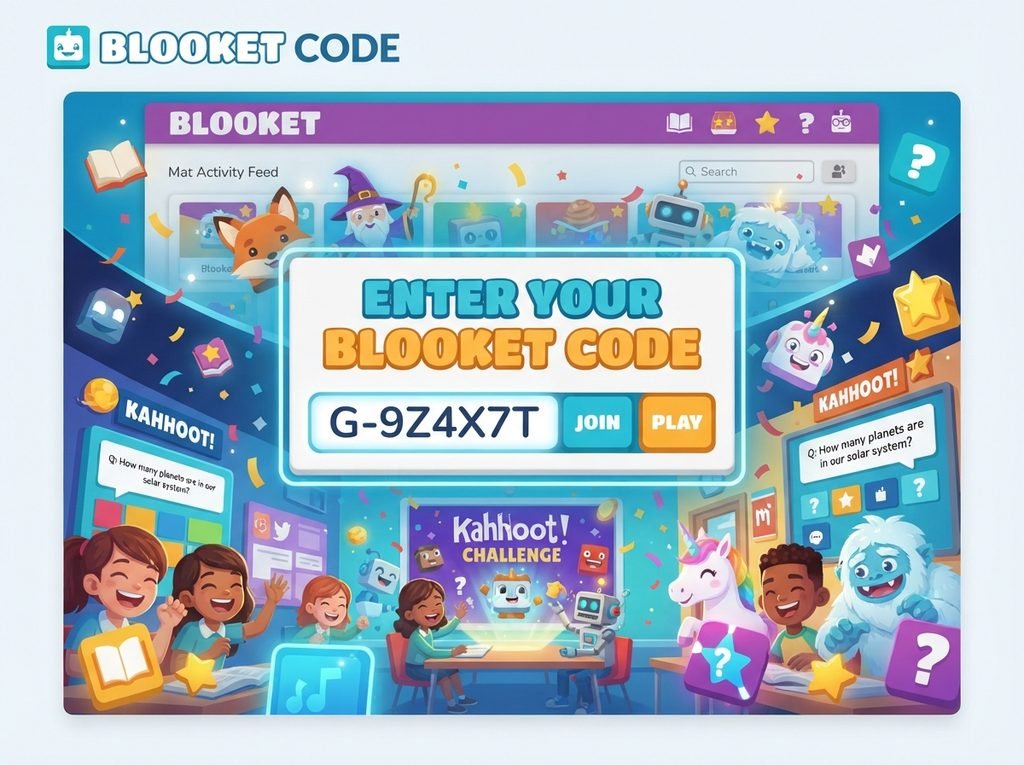
Where Can You Find a Blooket Code?
This is one of the most searched questions, so here is a clear answer.
Real codes come only from a live host. Your teacher, tutor or friend must start a game first. Then they give you the code.
Many websites claim to list “free Blooket codes” or “working Blooket codes.” Be careful with these. A code only works while that game is live, so a list posted online is usually expired. Some of these sites are also filled with ads or risky downloads.
If you want to practise without a teacher, you can host a game yourself. Make a free account, pick a question set and start your own game to get a fresh code.
Blooket Code Not Working? Common Fixes
Seeing an error such as “Blooket join code invalid” or “game not found” is common. Try these fixes in order.
1. Check the Number Again
Even one wrong digit will fail. Read the code on the host’s screen again and type it slowly.
2. Ask the Host If the Game Is Still Live
If the host ended the game or closed the lobby, the Blooket code stops working. Ask them to restart and share the new code.
3. Refresh the Page
A quick refresh fixes many loading problems. If it still fails, close the tab and open the join page again.
4. Check Your Internet
A slow or unstable connection can block you from entering. Switch to another network or move closer to your router.
5. Try a Different Browser or Device
Use an updated version of Chrome, Edge, Safari or Firefox. Disable extensions that may block scripts, then try again.
6. Check School Filters
Some schools block gaming sites. If the Blooket join page does not open at all, ask your teacher or IT team. Do not try to bypass school rules.
Is It Safe to Use a Blooket Code?
Joining a game with a Blooket code is generally safe. You only need the code and a nickname. Still, a few habits keep you protected:
- Never share personal details in your nickname.
- Do not click links from strangers claiming to offer “free rewards.”
- Avoid tools that promise hacks or bots. They can break the rules and may put your account or device at risk.
- Use only the official Blooket website for joining and logging in.
Why Teachers and Students Like Blooket
Blooket turns revision into a game. Instead of a silent worksheet, students answer questions while building, racing or collecting rewards. That energy helps with focus and recall.
For teachers, it saves time. A ready-made question set plus one Blooket code is enough to run a full review session. It works for maths, science, languages, history and many other subjects.
FAQS
What is a Blooket code?
It is a temporary number generated when a host starts a live game. Players enter it to join that specific game.
Where do I enter a Blooket code?
Enter it in the game code box on the Blooket join page, or in the Blooket app, then choose a nickname.
Why does my Blooket join code say invalid?
The most common causes are a typing mistake, a game that has already ended, or a lobby that was closed. Check the digits and ask the host to confirm the game is live.
Do Blooket codes expire?
Yes. A code works only for its own game session. Once the game ends, the code is no longer useful.
Do I need an account to use a Blooket code?
Usually not for joining. You need an account to host games, create question sets or save your progress.
Are free Blooket codes online real?
Most are not reliable. Because codes belong to live games, public lists are usually out of date. Ask a real host or create your own game instead.
Conclusion
A Blooket code is the simplest way to join a live game. Open the join page, type the code, choose a nickname and wait for the host to begin. If it fails, check the digits, confirm the game is still live and test your connection.
For teachers, hosting a game is the best way to create a fresh Blooket code any time you need one. For students, always use the code your teacher provides and stick to the official site. That keeps your learning fun, safe and trouble-free.